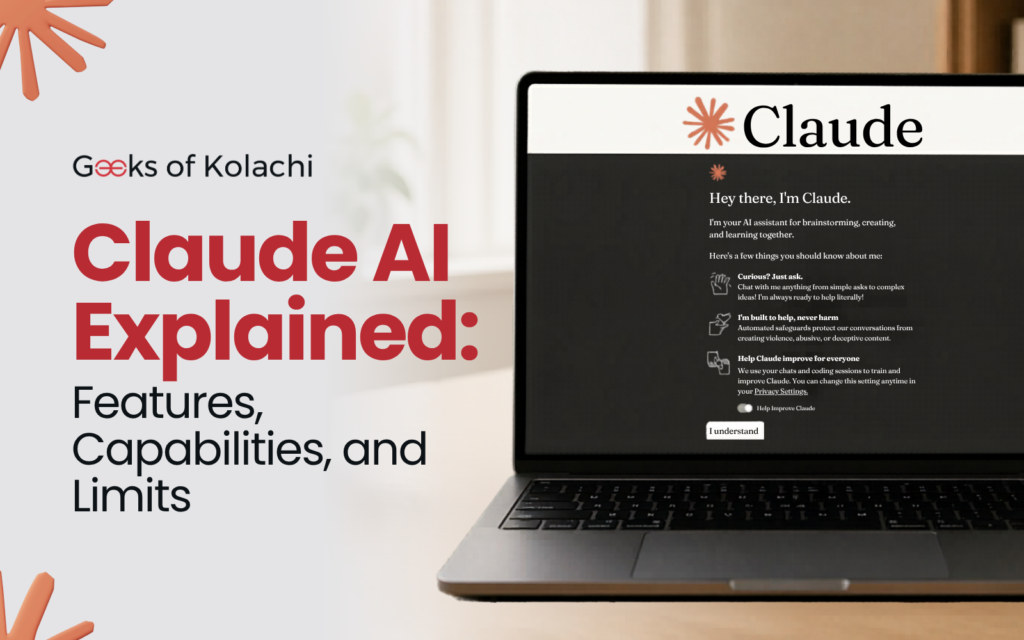
Claude AI Explained: Features, Capabilities, and Limits
Sometimes you just want a clear, honest breakdown of what a tool does and does not do, without the marketing language or the artificial excitement. This is that article. Claude AI, explained plainly.
Who Built Claude AI?
Claude is built by Anthropic, an AI safety company headquartered in San Francisco. The company was founded in 2021, and Claude is their flagship product. Who owns Claude AI? Anthropic does. Who built Claude AI specifically? A team of researchers and engineers at Anthropic, many of whom have backgrounds at major AI research institutions. Anthropic itself has received substantial investment, including from Google, which has made it one of the better-resourced AI companies in the industry.
The Model Family
Anthropic offers several versions of Claude with different capability and speed trade-offs. As of 2026, the Claude 4 family includes Claude Opus, the most powerful version intended for complex reasoning and demanding tasks, Claude Sonnet, which balances capability and speed well for everyday use, and Claude Haiku, which is lightweight and fast for simpler tasks where speed matters more than depth.
Which Claude AI is best depends entirely on what you are doing. Opus for hard problems. Sonnet for daily use. Haiku for quick, lightweight applications.
What Claude Can Do: The Capabilities List
Here is a clear rundown of what Claude handles well.
Natural language understanding and generation. Claude reads and writes in natural language with a high degree of fluency. It understands context, picks up on nuance, and generates coherent, well-structured text. This is its core capability and the foundation for everything else.
Writing and editing. Blog posts, reports, emails, marketing copy, creative writing, technical documentation, summaries, proposals, scripts. Claude can draft, revise, edit, and proofread across virtually any written format.
Code. Claude can write code in Python, JavaScript, TypeScript, SQL, Go, Rust, Java, C++, and many other languages. It can explain code, debug it, refactor it, and help design systems. Can Claude AI write code? Yes, and it does it well.
Research assistance. Paste in documents and ask questions about them. Summarize long texts. Analyze arguments. Identify key themes. Extract specific information. Claude can function as a very capable research assistant when you give it material to work with.
Analysis and reasoning. Working through complex problems, comparing options, evaluating trade-offs, identifying logical gaps. Claude does systematic reasoning better than most AI tools.
Translation and multilingual tasks. Claude handles multiple languages and can translate, write in, and understand content in the major world languages.
Brainstorming. Generating ideas, exploring possibilities, playing devil’s advocate, coming up with alternatives. Claude does not have the social inhibition that causes humans to self-censor in brainstorming sessions.
What Claude Cannot Do: The Honest Limits
Generate images. Can Claude AI create images or generate images? No. Claude is a text-based model. It does not produce visual output. For image generation, you need a different tool entirely.
Browse the internet by default. Unless it has been given a search tool through an API integration, Claude works from its training data. It does not look things up in real time. This means it can miss recent events and its knowledge has a cutoff date.
Access your files or external systems. Through the standard chat interface, Claude cannot see your Google Drive, your email, your calendar, or your databases. You need to paste content in. API integrations can change this, but that requires setup.
Remember previous conversations. This is one of the most commonly misunderstood things about Claude. Does Claude AI remember previous conversations? No. Each new conversation starts completely fresh. Claude has no memory of what was discussed in previous sessions. Within a single conversation, it remembers everything said in that session. Across sessions, it starts blank.
Guarantee factual accuracy. Claude can produce incorrect information, sometimes confidently. It is not a substitute for authoritative sources on critical matters.
Perform actions in the world. Claude cannot send emails, make phone calls, book appointments, or interact with other software unless it has been given specific tools to do so in an agentic setup.
What Is Claude AI’s Limit?
There are two kinds of limits worth knowing about.
The context window is the amount of text Claude can process in a single session. Claude’s context window is large, handling hundreds of thousands of tokens, which translates to hundreds of pages of text. This is one of Claude’s genuine strengths for long-document work.
The usage limits refer to how many messages you can send on the free plan within a time period. Free users will eventually hit a cap and need to wait or upgrade. Paid plan users have significantly higher or effectively unlimited usage depending on the tier.
How Much Does Claude AI Cost?
Is Claude AI free? Yes, there is a free tier. Is Claude AI free to use without any restrictions? No, the free tier has usage limits.
How much does Claude AI cost for a paid plan? The Pro plan has been priced around $20 per month. Team and Enterprise plans exist at higher price points with more features, more usage, and better data privacy terms. How much is Claude AI in terms of value? For regular users, the paid plan tends to pay for itself quickly if you are using it for professional work.
Does Claude AI Have a Desktop App?
Yes. Anthropic has made Claude available as a desktop application, and there are mobile-friendly interfaces available as well. Does Claude AI have an app? Yes, in various forms. Check Anthropic’s website for the current download options.
Is Claude AI Safe and Secure?
Claude was built with safety as a primary design goal, not as an add-on. Anthropic’s Constitutional AI approach means Claude evaluates its own responses against a set of principles rather than just pattern-matching. This makes it more reliable, less likely to produce harmful content, and more consistent across a wide range of inputs.
For data security, Anthropic has a published privacy policy. For enterprise users with strict data requirements, there are more protective options available. Anyone handling sensitive data should review the current policy rather than relying on a third-party summary of it.
Is Claude AI Down? How to Check
If Claude appears to be not working, here is the quick diagnostic. First, try refreshing. Second, try a different browser or clear your cache. Third, check Anthropic’s official status page for any reported outages. Is Claude AI down right now? The status page gives you the real-time answer to that question, and most outages are resolved quickly.
How to Cancel Claude AI Subscription
If you want to cancel your Claude AI subscription, log into claude.ai, go to your account settings, find the billing section, and select the cancel option. You retain access until the end of the current billing period. The process is straightforward and does not require a phone call or customer service interaction.
How Much Energy Does Claude AI Use?
Running large language models requires significant compute, which translates to real energy consumption. Exact per-query figures are not publicly published, but this is a real environmental consideration that the AI industry broadly is working to address through more efficient model architectures and cleaner data center energy sources. Anthropic is among the companies that publicly discusses these concerns.
The Straight Summary
Claude AI is a capable, safety-focused, text-based AI assistant built by Anthropic. It excels at writing, coding, analysis, and research, plus it cannot generate images, does not remember across sessions by default, and can make factual errors. It is free to start, reasonably priced to upgrade, and built to be reliable and predictable in ways that matter for real-world professional use.
Read More:
Stop Building Features Nobody Asked For